Git forks and pull requests
Follow a contribution from a fork through branch tracking and a push to a pull request.
Read the Korean original on Velog ↗English translation

When you cannot write directly to a repository, fork it into your own account and propose changes from a working branch through a pull request.
Fork versus clone
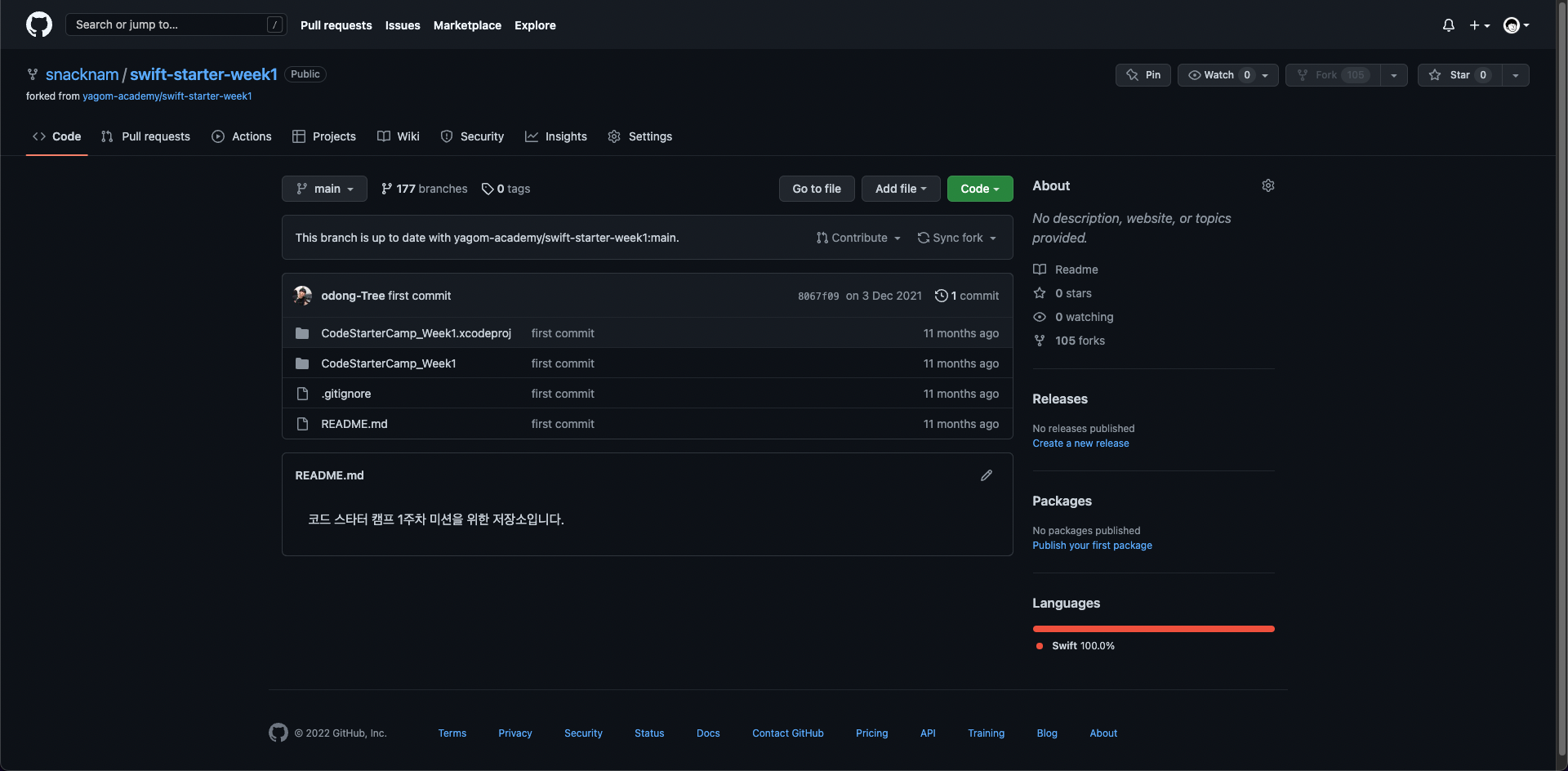
A fork creates a repository under your GitHub account. A clone downloads a working copy of a remote repository to your computer.
git clone <fork-url>
git remote add upstream <original-url>
git remote -v
Why a remote branch was missing
If the fork includes only the default branch, other branches from the original repository will not be present under your fork's origin. Add the original repository as upstream, then fetch the branch you need.

git fetch upstream
git switch --create <branch> --track upstream/<branch>
Opening a pull request
git add <files>
git commit -m "Describe the change"
git push -u origin <branch>
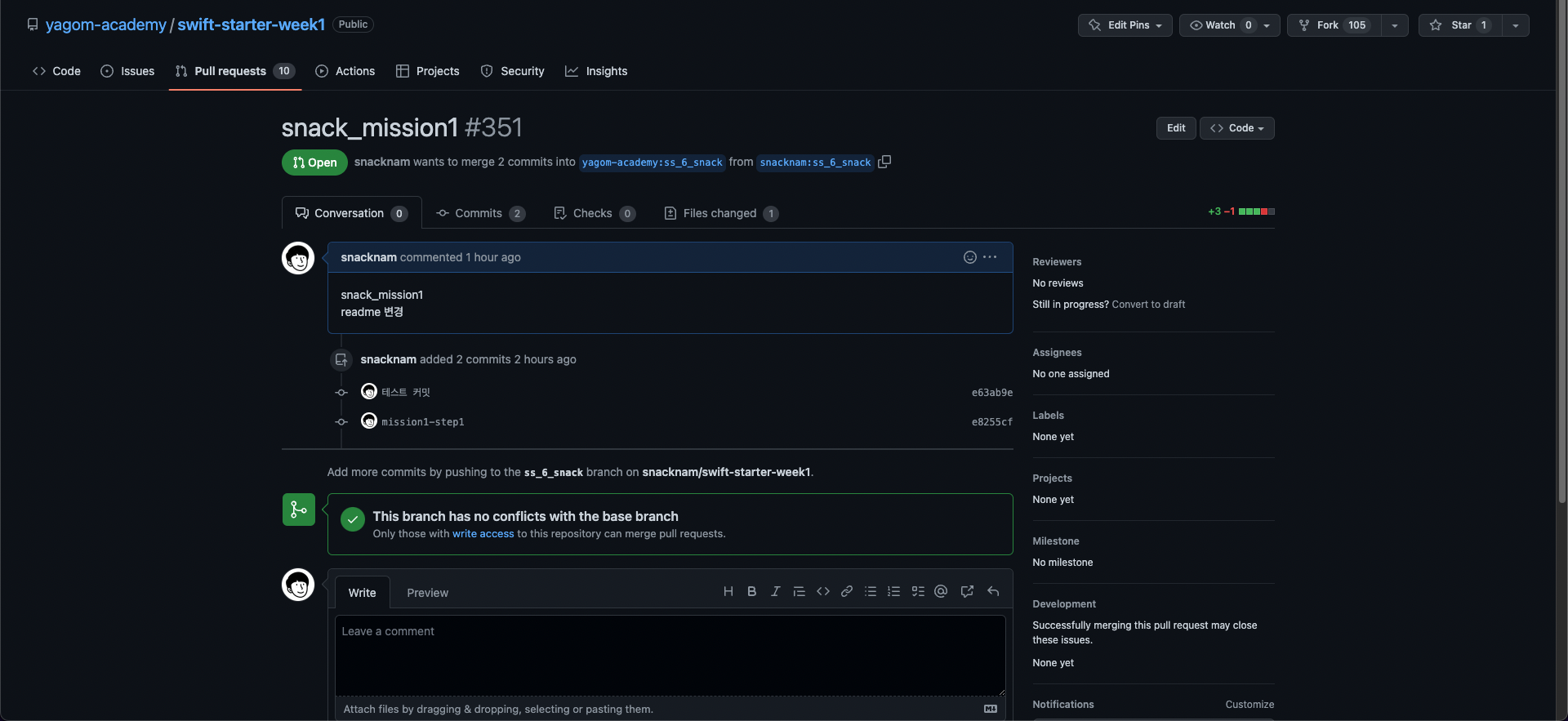
Choose the original repository as the base and your working branch as the compare branch. Before creating the pull request, check the direction and make sure the diff contains only the intended files.