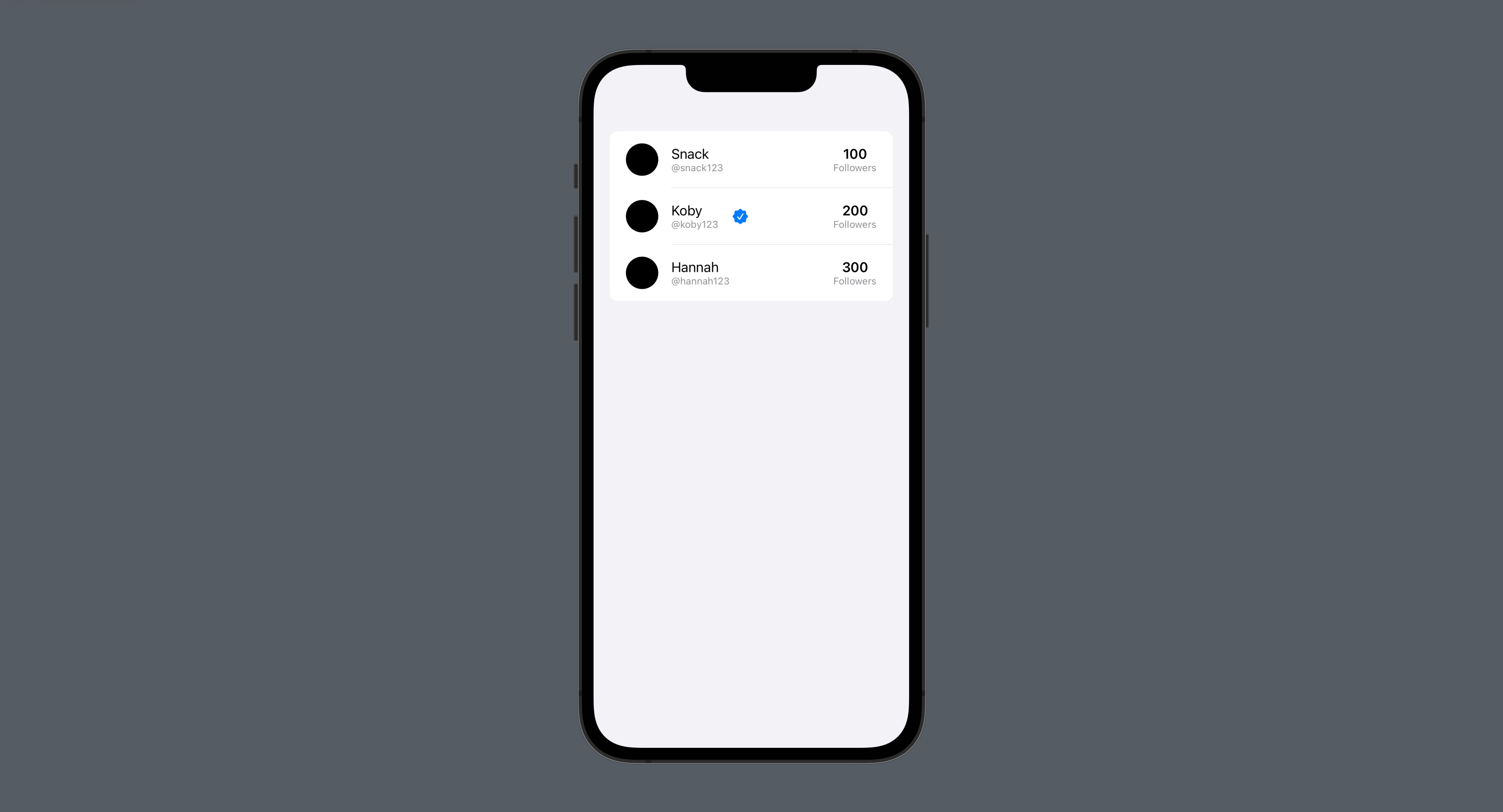
Separating data models in SwiftUI
Move data out of view code and use Identifiable models in lists and detail views.
Read the Korean original on Velog ↗English translation

An array may be enough when a screen displays only a few values. As properties and relationships grow, a dedicated model makes the code's intent much clearer.
Arrays
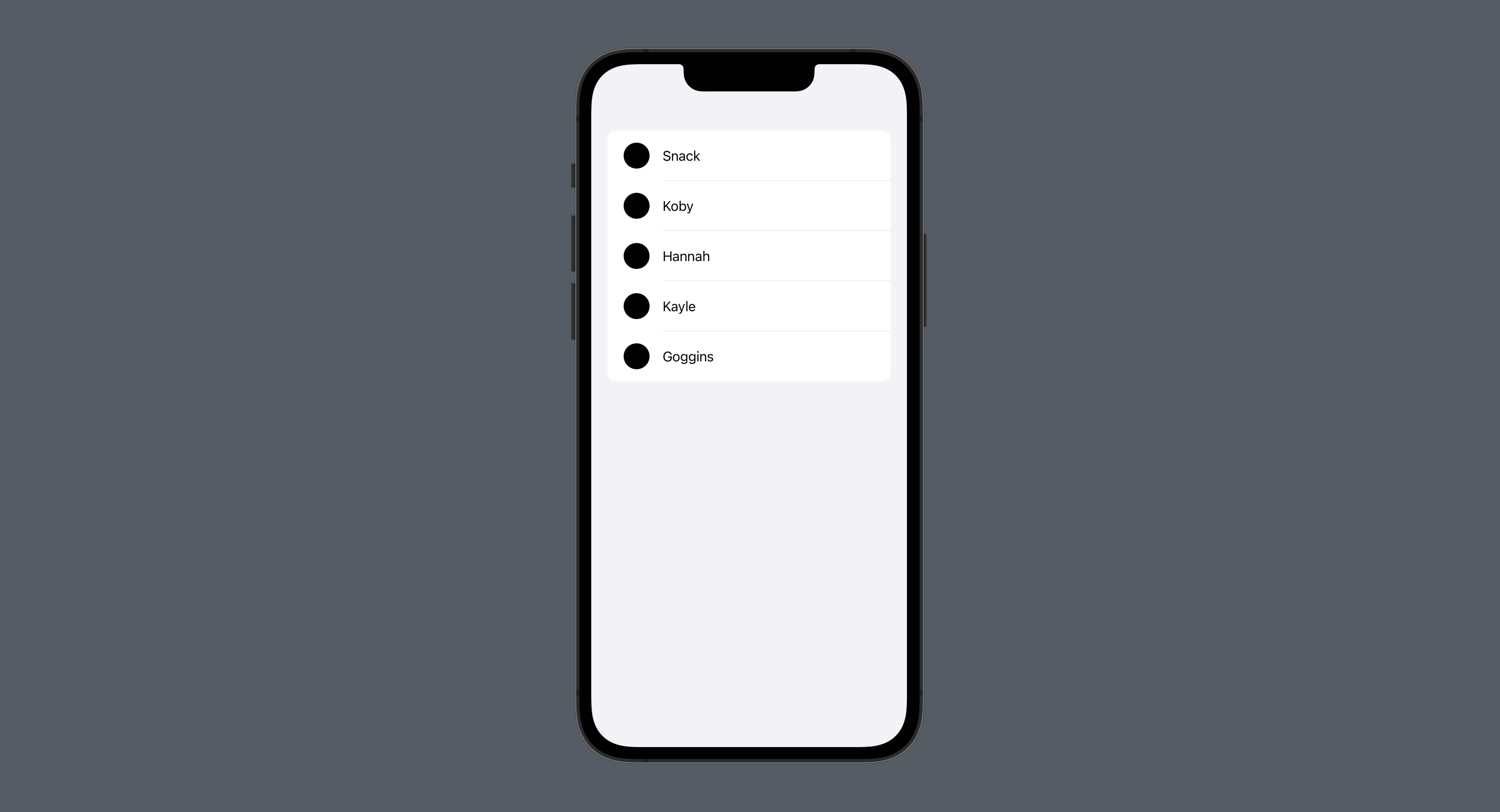
An Array stores values of one type in order. Individual elements can be accessed by index.
struct CustomModelStudy: View {

    // Array-based data model
    @State var users: [String] = [
        "Snack", "Koby", "Hannah", "Kayle", "Goggins"
    ]

    var body: some View {
        List {
        	// Access an element by index
            ForEach(users, id: \.self) { name in
                HStack(spacing: 16) {
                    Circle()
                        .frame(width: 32, height: 32)
                    Text(name)
                }
                .padding(.vertical, 4)
            }
        }
    }
}
Structures
A struct groups related properties, even when they have different types. Conforming to Identifiable gives each instance an identity that SwiftUI can track. A UUID is one option for that identifier.
UUID A universally unique identifier is a 128-bit value, commonly displayed as 32 hexadecimal digits separated by hyphens, such as
E621E1F8-C36C-495A-93FC-0C247A3E6E5F.
struct UserModel: Identifiable {
	// Create a UUID string
    let id: String = UUID().uuidString
    let displayName: String
    let userName: String
    let followerCount: Int
    let isVerified: Bool
}

struct CustomModelStudy: View {

    @State var users: [UserModel] = [
   		// Create an instance for each item
        UserModel(displayName: "Snack", userName: "snack123", followerCount: 100, isVerified: false),
        UserModel(displayName: "Koby", userName: "koby123", followerCount: 200, isVerified: true),
        UserModel(displayName: "Hannah", userName: "hannah123", followerCount: 300, isVerified: false)
    ]

    var body: some View {
        List {
            ForEach(users) { user in
            	// Group properties of different types
                HStack(spacing: 16) {
                    Circle()
                        .frame(width: 40, height: 40)
                    VStack(alignment: .leading) {
                        Text(user.displayName)
                        Text("@\(user.userName)")
                            .foregroundColor(.gray)
                            .font(.caption)
                    }
                    if user.isVerified {
                        Image(systemName: "checkmark.seal.fill")
                            .foregroundColor(.blue)
                    }
                    Spacer()
                    VStack {
                        Text("\(user.followerCount)")
                            .font(.headline)
                        Text("Followers")
                            .foregroundColor(.gray)
                            .font(.caption)
                    }
                }
                .padding(.vertical, 4)
            }
        }
    }
}