Connecting views with matchedGeometryEffect
Use a shared namespace and ID to animate smoothly between different views.
Read the Korean original on Velog ↗English translation

When one view replaces another, a basic animation may not make the two states feel connected. matchedGeometryEffect lets SwiftUI treat them as representations of the same visual element.
Matched geometry
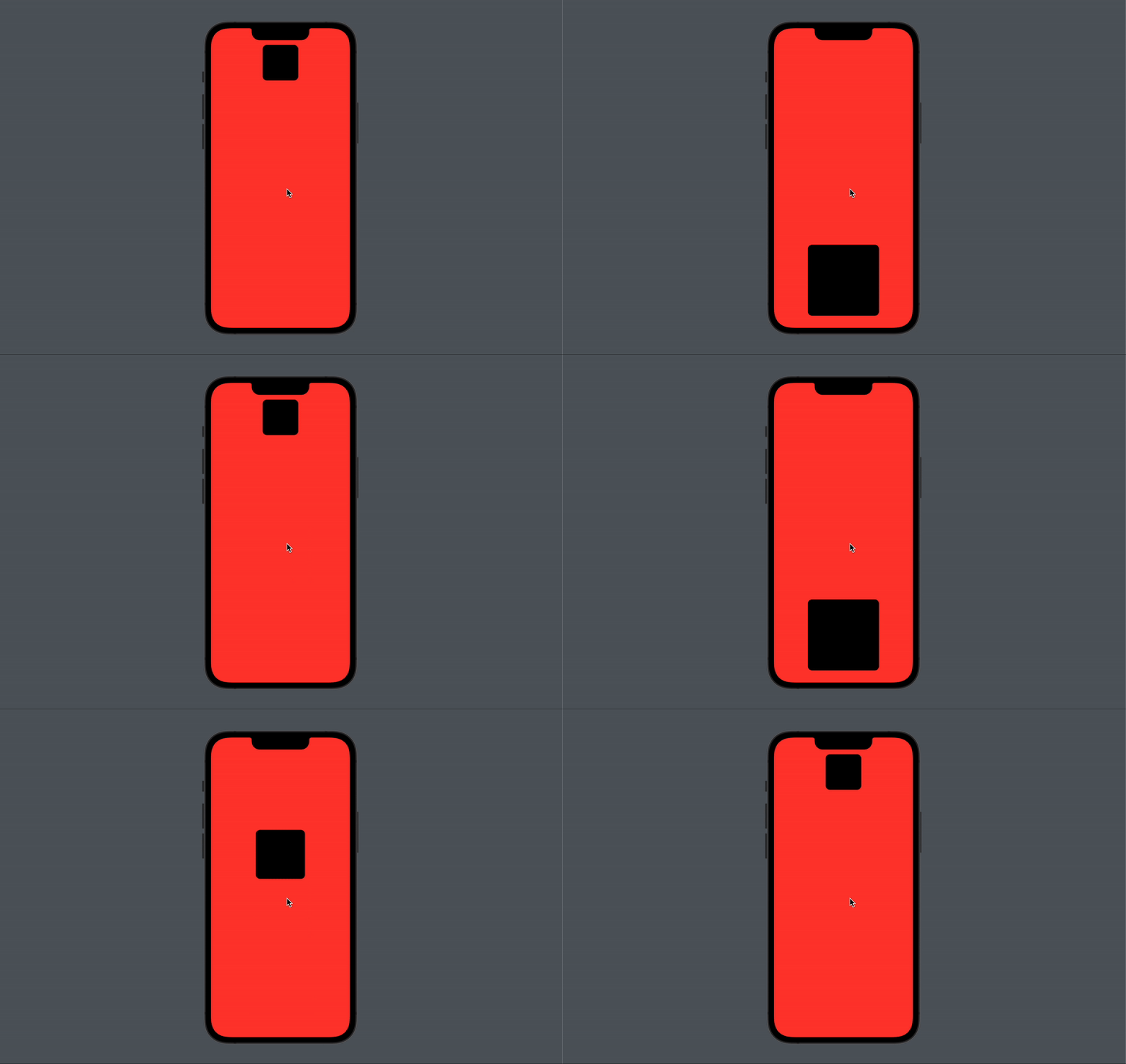
A typical animation interpolates changes within a view. Matched geometry coordinates changes between views. Give the related views the same id within a shared @Namespace so SwiftUI can connect their geometry.
struct MatchedGeometryEffectStudy: View {

    @State private var isClicked: Bool = false
    @Namespace private var namespace

    var body: some View {
        VStack {
            if !isClicked {
                RoundedRectangle(cornerRadius: 12)
                	// Match this view for the animation
                    .matchedGeometryEffect(id: "rectangle", in: namespace)
                    .frame(width: 100, height: 100)
            }
            Spacer()
            if isClicked {
                RoundedRectangle(cornerRadius: 12)
					// Match this view for the animation
                    .matchedGeometryEffect(id: "rectangle", in: namespace)
                    .frame(width: 200, height: 200)
            }
        }
        .frame(maxWidth: .infinity, maxHeight: .infinity)
        .background(.red)
        .onTapGesture {
            withAnimation(.easeInOut) {
                isClicked.toggle()
            }
        }
    }
}
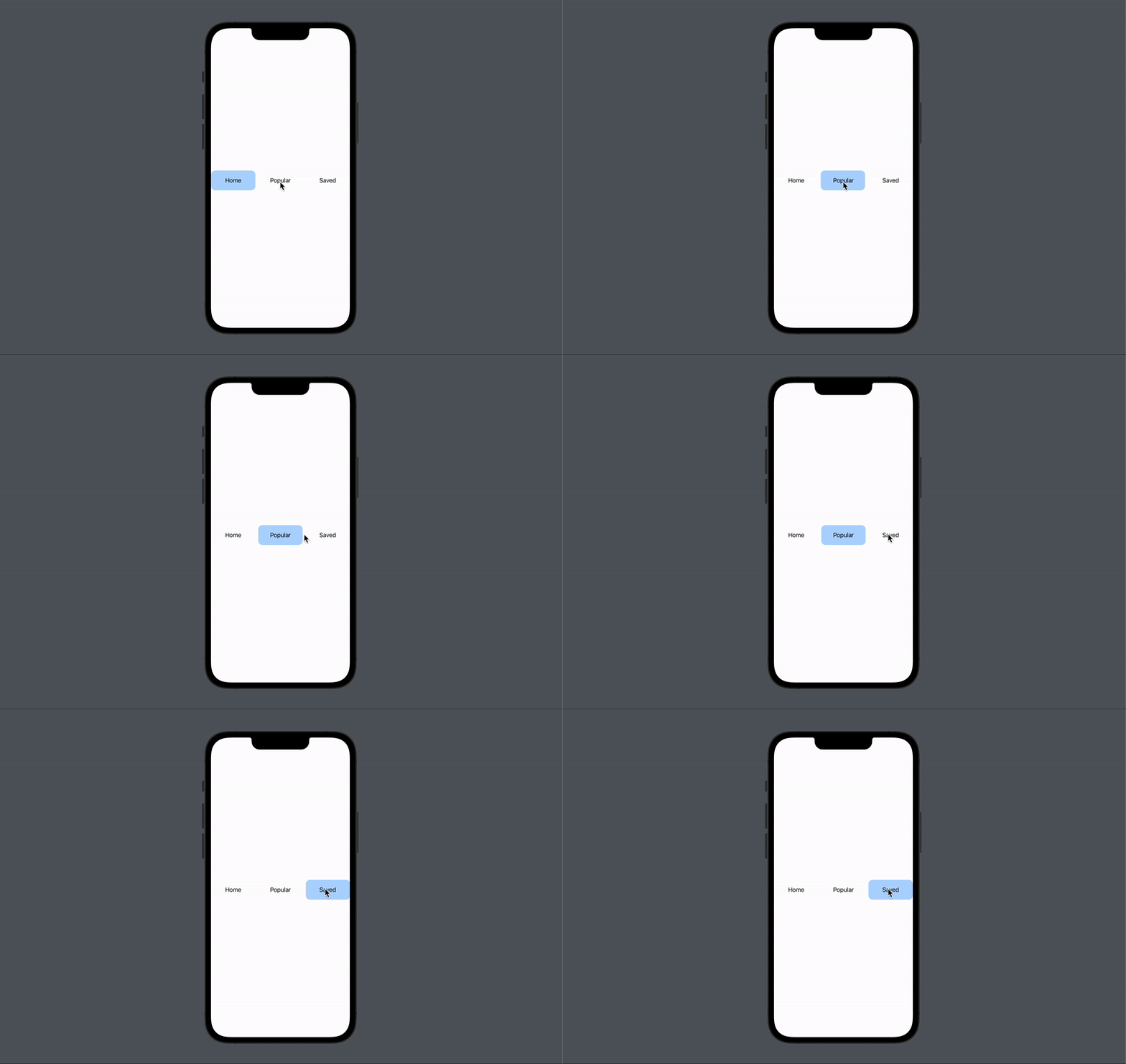
The same technique can animate the selection indicator in a segmented control.
struct MatchedGeometryEffectStudy2: View {

    let categories: [String] = ["Home", "Popular", "Saved"]
    @State private var selected: String = "Home"
    @Namespace private var namespace2

    var body: some View {
        HStack {
            ForEach(categories, id: \.self) { category in
                ZStack {
                    if selected == category {
                        RoundedRectangle(cornerRadius: 12)
                            .fill(Color.blue).opacity(0.3)
							// Match this view for the animation
                            .matchedGeometryEffect(id: "category", in: namespace2)
                    }
                    Text(category)
                }
                .frame(maxWidth: .infinity)
                .frame(height: 56)
                .onTapGesture {
                    withAnimation(.spring()) {
                        selected = category
                    }
                }
            }
        }
    }
}