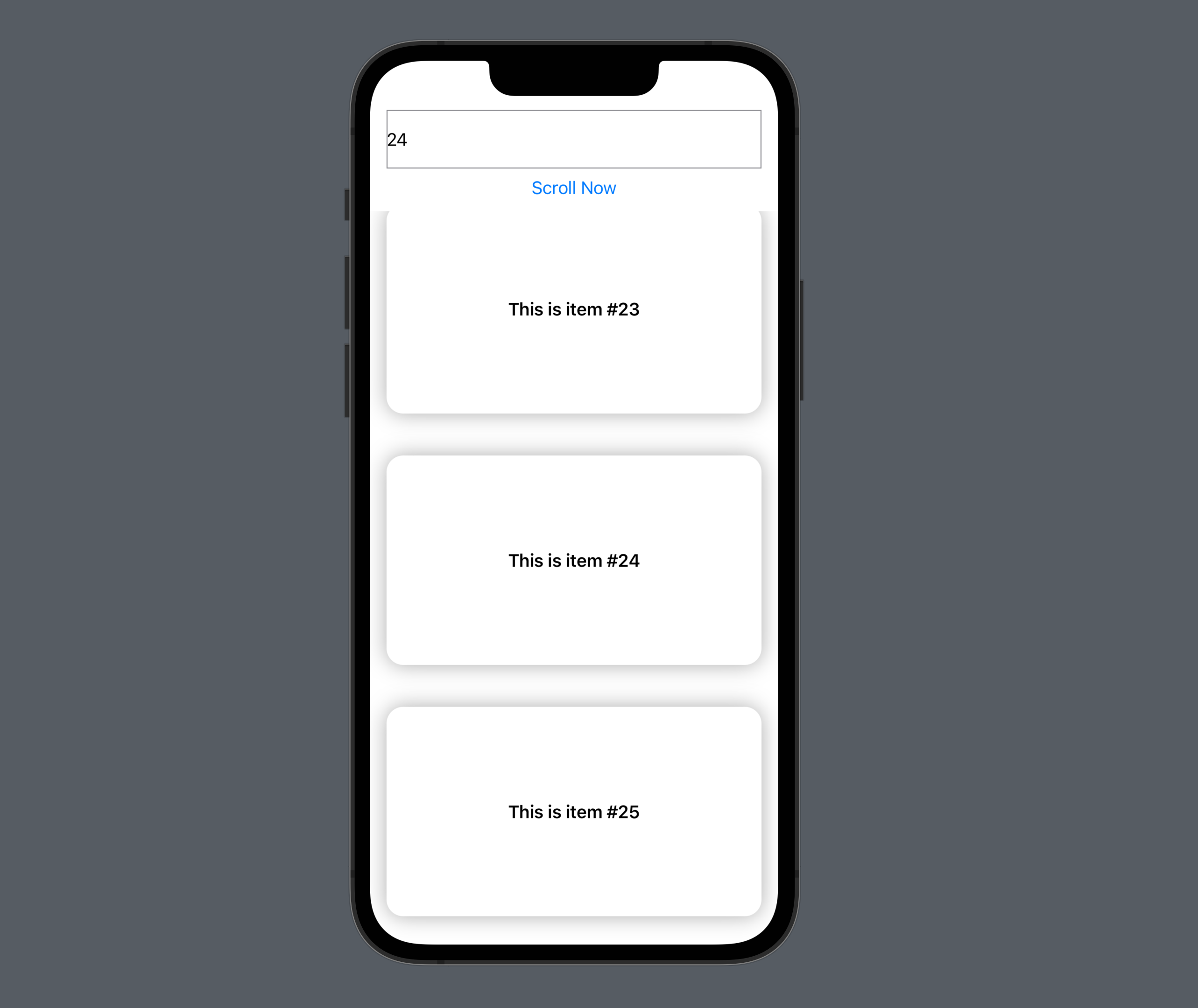
Controlling scroll position with ScrollViewReader
Identify a view, scroll to it with scrollTo, and choose its alignment with an anchor.
Read the Korean original on Velog ↗English translation

Jumping to an item in a long list is easier when we identify the item rather than calculate a scroll distance. ScrollViewReader provides a proxy for scrolling to views by ID.
Controls inside the scroll view
Assign an id to the target view and call scrollTo through the proxy. The anchor determines how the target aligns with the visible area.
ScrollView {
    ScrollViewReader { proxy in
        Button("Click here to go to #49") {
            withAnimation(.spring()) {
            	// Scroll to the view with this ID
                proxy.scrollTo(30, anchor: .center)
            }
        }
        ForEach(0..<50) { index in
            Text("This is item #\(index)")
                .font(.headline)
                .frame(height: 200)
                .frame(maxWidth: .infinity)
                .background(Color.white)
                .cornerRadius(16)
                .shadow(radius: 10)
                .padding()
                .id(index) // Create an ID
        }
    }
}
Controls outside the scroll view
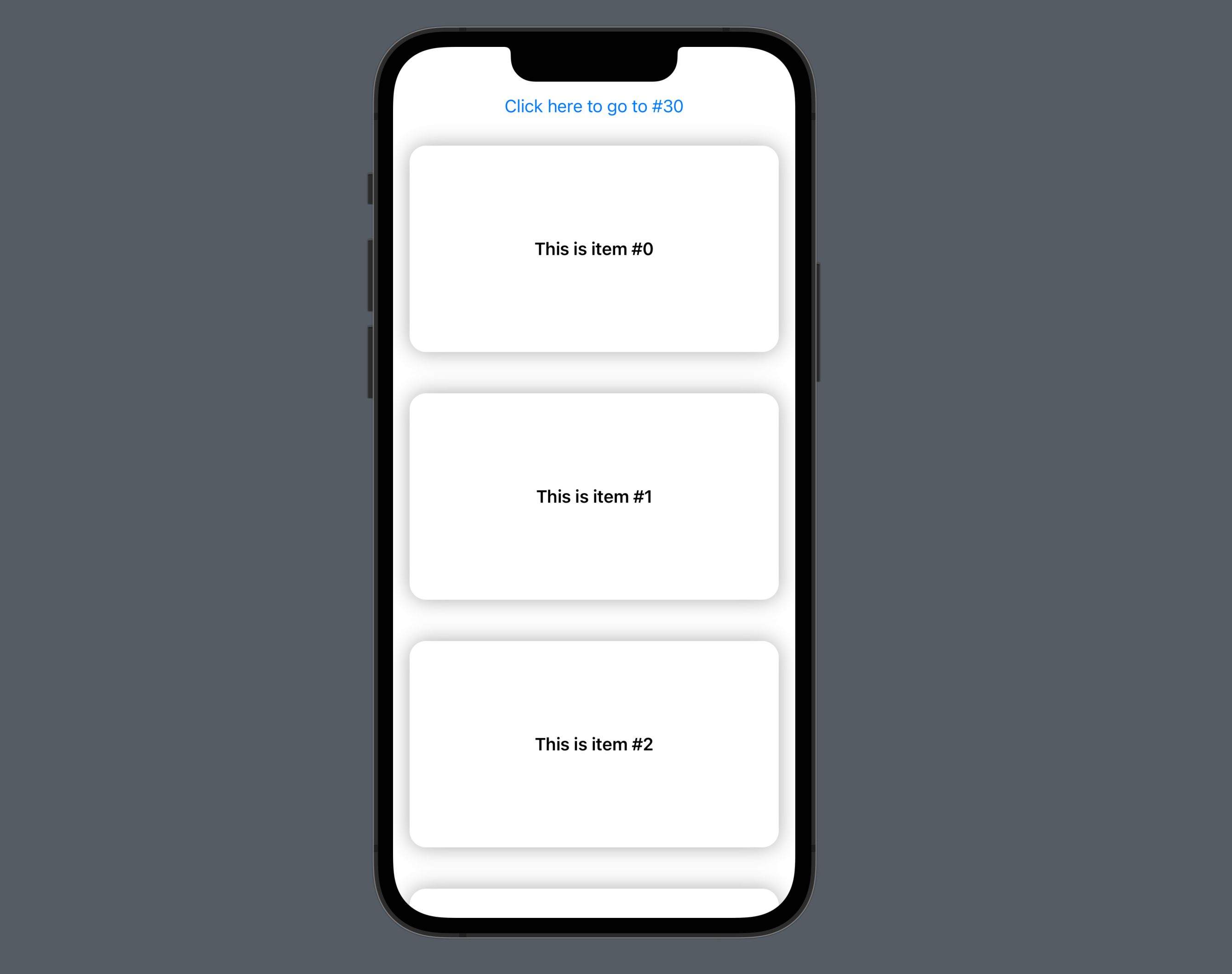
A TextField and onChange can drive scrolling from a control outside the scrolling content.
struct ScrollViewReaderStudy: View {

    @State var scrollToIndex: Int = 0
    @State var textFieldText: String = ""

    var body: some View {
        VStack {
        	// Enter the target position as a string
            TextField("scroll number", text: $textFieldText)
                .frame(height: 56)
                .border(.gray)
                .padding(.horizontal)
                .keyboardType(.numberPad)
            Button("Scroll Now") {
            	// Convert the input to an Int position
                if let index = Int(textFieldText) {
                    scrollToIndex = index
                }
            }
            ScrollView {
                ScrollViewReader { proxy in
                    ForEach(0..<50) { index in
                        Text("This is item #\(index)")
                            .font(.headline)
                            .frame(height: 200)
                            .frame(maxWidth: .infinity)
                            .background(Color.white)
                            .cornerRadius(16)
                            .shadow(radius: 10)
                            .padding()
                            .id(index)
                    }
                    // Scroll when the integer target changes
                    .onChange(of: scrollToIndex) { newValue in
                        withAnimation {
                            proxy.scrollTo(newValue, anchor: .center)
                        }
                    }
                }
            }
        }
    }
}