Bridging UIKit and SwiftUI
Use makeUIView, updateUIView, and a coordinator to connect UIKit views with SwiftUI state.
Read the Korean original on Velog ↗English translation

Even in a SwiftUI interface, you may need an existing component or a view that UIKit provides. UIViewRepresentable creates a small bridge between the two frameworks.
UIViewRepresentable
This protocol wraps a UIKit view for use in SwiftUI. Its core requirements are makeUIView and updateUIView.
makeUIView
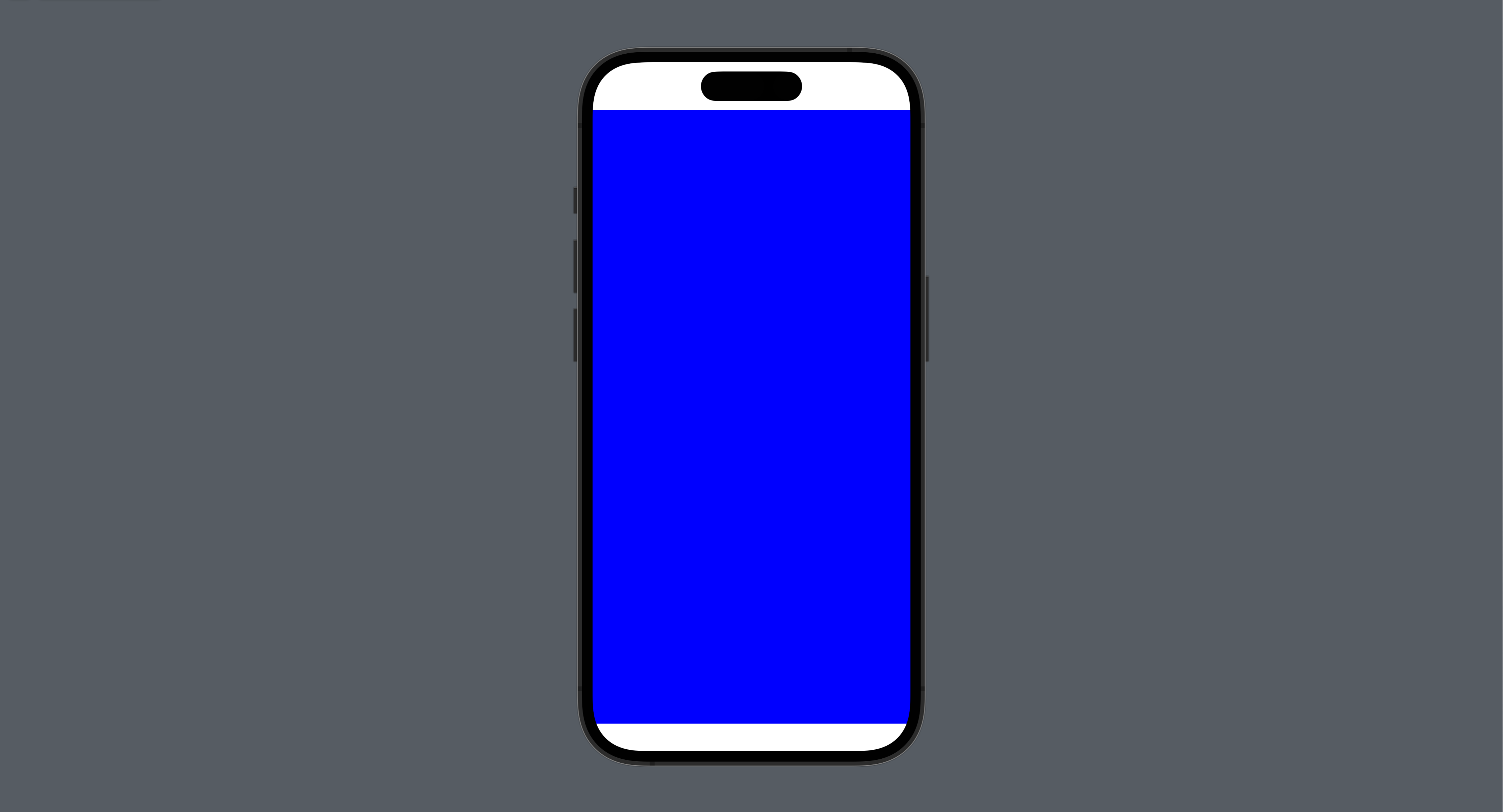
SwiftUI calls this method to create and initialize the UIKit view. Configure the initial appearance and behavior, then return the instance.
struct UIViewRepresentableStudy: View {
    var body: some View {
        BasicUIViewRepresentable()
    }
}

struct BasicUIViewRepresentable: UIViewRepresentable {

    // Create and configure the UIView
    func makeUIView(context: Context) -> some UIView {
        let view = UIView()
        view.backgroundColor = .blue
        return view
    }

    func updateUIView(_ uiView: UIViewType, context: Context) {

    }
}
updateUIView
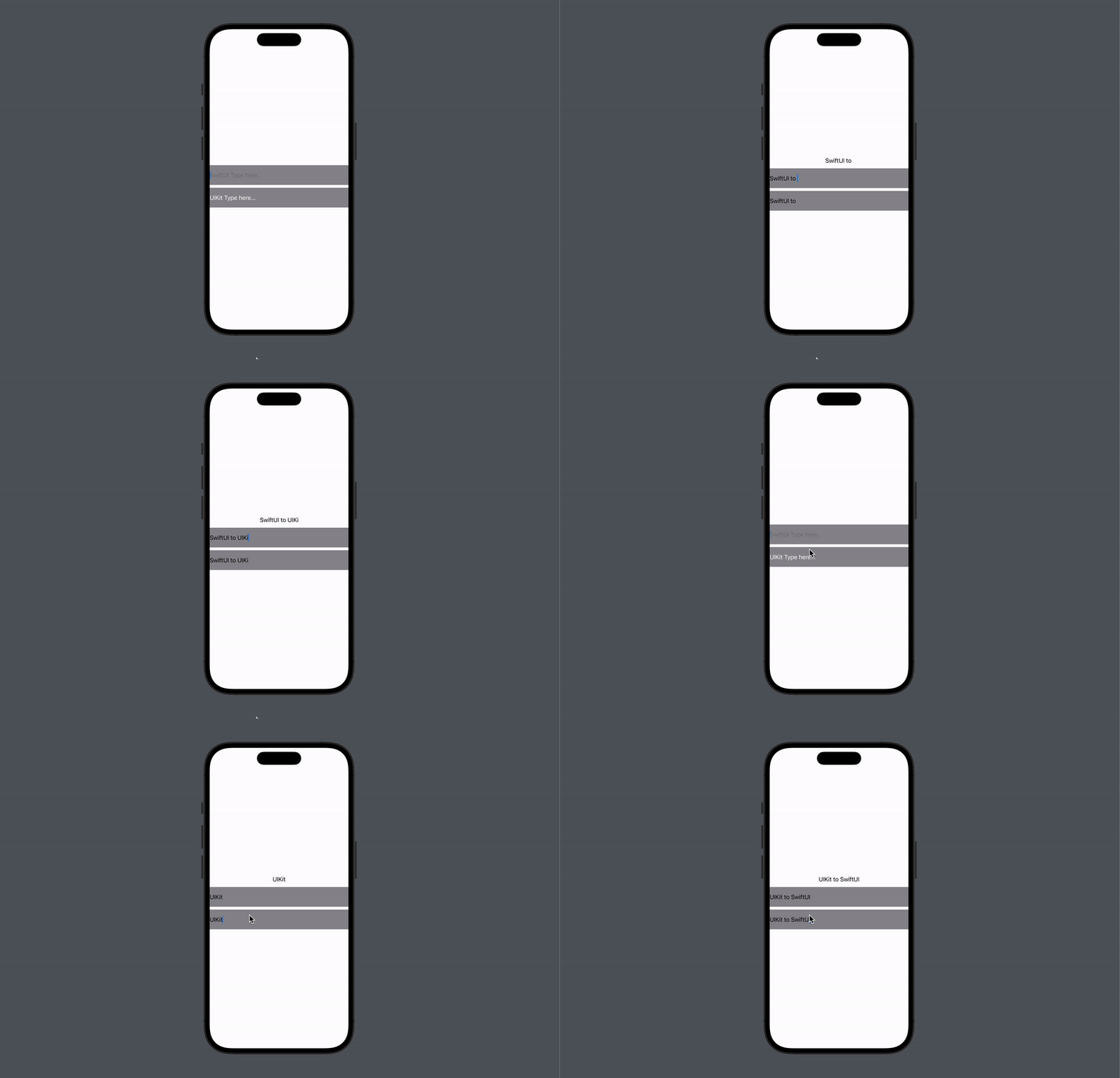
SwiftUI calls this method when the represented view needs to reflect updated state. A binding can carry data from SwiftUI into the UIKit view.
struct UIViewRepresentableStudy: View {

    @State private var text: String = ""

    var body: some View {
        VStack {
            Text(text)
            TextField("SwiftUI Type here..", text: $text)
                .frame(height: 56)
                .background(Color.gray)
            UITextFieldViewRepresentable(text: $text)
                .frame(height: 56)
                .background(Color.gray)
        }
    }
}

struct UITextFieldViewRepresentable: UIViewRepresentable {

    @Binding var text: String

    // Specify UITextField as the return type
    func makeUIView(context: Context) -> UITextField {
        let textfield = UITextField(frame: .zero)
        let placeholder = NSAttributedString(string: "UIKit Type here...", attributes: [.foregroundColor : UIColor.white])
        textfield.attributedPlaceholder = placeholder
        return textfield
    }

    func updateUIView(_ uiView: UITextField, context: Context) {
    	// Update UIKit from SwiftUI
        uiView.text = text
    }
}
Coordinators
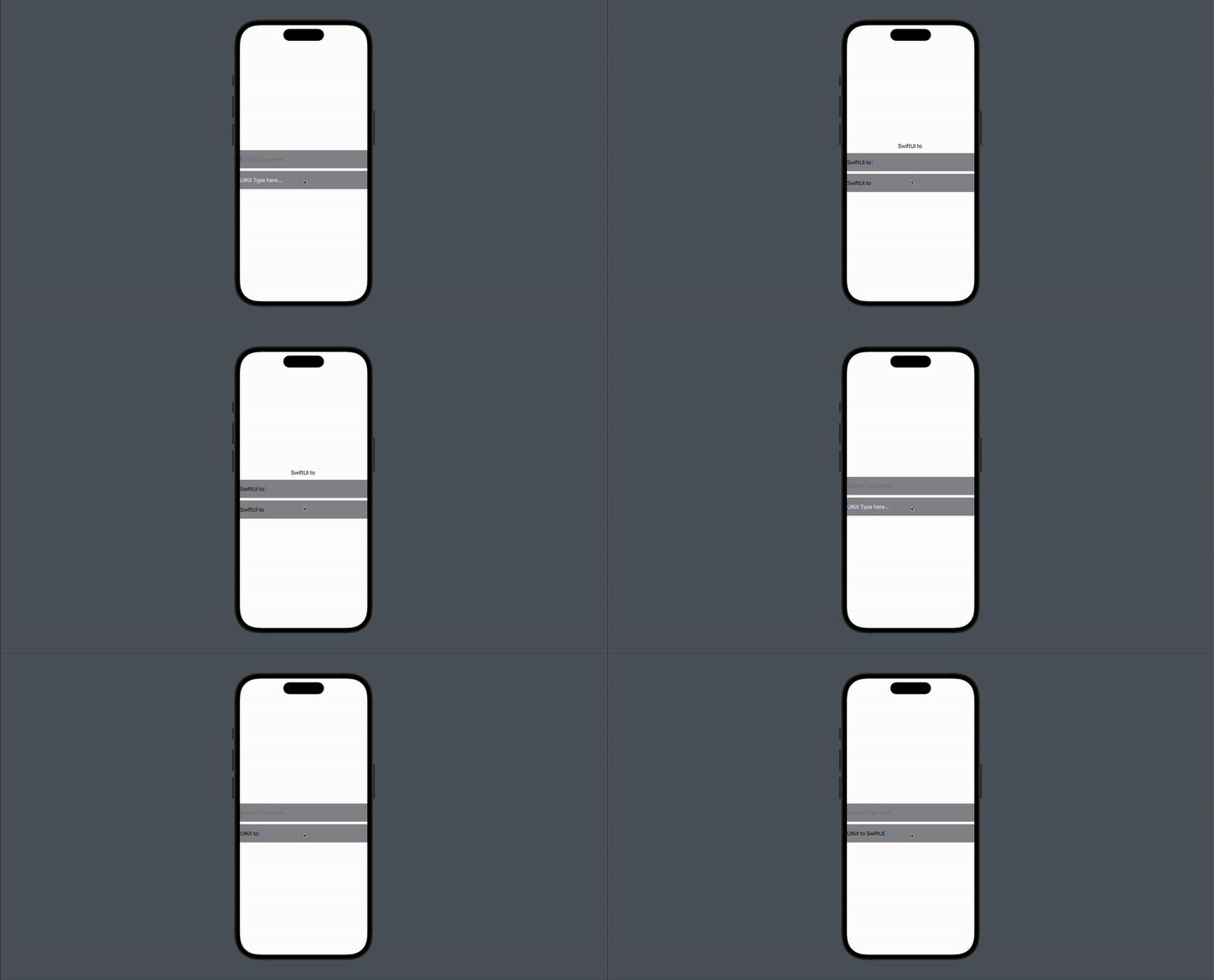
A coordinator handles communication in the other direction, from UIKit back to SwiftUI. Define a Coordinator class inside the representable and return an instance from makeCoordinator. In this example, the coordinator becomes the text field's delegate and updates the binding when the text changes.
struct UIViewRepresentableStudy: View {

    @State private var text: String = ""

    var body: some View {
        VStack {
            Text(text)
            TextField("SwiftUI Type here..", text: $text)
                .frame(height: 56)
                .background(Color.gray)
            UITextFieldViewRepresentable(text: $text)
                .frame(height: 56)
                .background(Color.gray)
        }
    }
}

struct UITextFieldViewRepresentable: UIViewRepresentable {

    @Binding var text: String

    func makeUIView(context: Context) -> UITextField {
        let textfield = UITextField(frame: .zero)
        let placeholder = NSAttributedString(string: "UIKit Type here...", attributes: [.foregroundColor : UIColor.white])
        textfield.attributedPlaceholder = placeholder
        // Set the coordinator as the delegate
        textfield.delegate = context.coordinator
        return textfield
    }

    func updateUIView(_ uiView: UITextField, context: Context) {
        uiView.text = text
    }

	// Implement makeCoordinator
    func makeCoordinator() -> Coordinator {
        return Coordinator(text: $text)
    }

	// Define the coordinator
    class Coordinator: NSObject, UITextFieldDelegate {

        @Binding var text: String

        init(text: Binding<String>) {
            self._text = text
        }

        func textFieldDidChangeSelection(_ textField: UITextField) {
        	// Update SwiftUI from UIKit
            text = textField.text ?? ""
        }
    }
}