Using SF Symbols in SwiftUI
Load system symbols and adjust their size, weight, color, and rendering mode.
Read the Korean original on Velog ↗English translation

SF Symbols provides icons that fit the system's visual language without requiring a separate image asset for each one. Load a symbol by name, then adjust its appearance to suit the interface.
System symbols
Pass an SF Symbols name to Image(systemName:). Browse the collection with Apple's SF Symbols resources.
Image(systemName: "heart.fill") // Load an SF Symbols icon
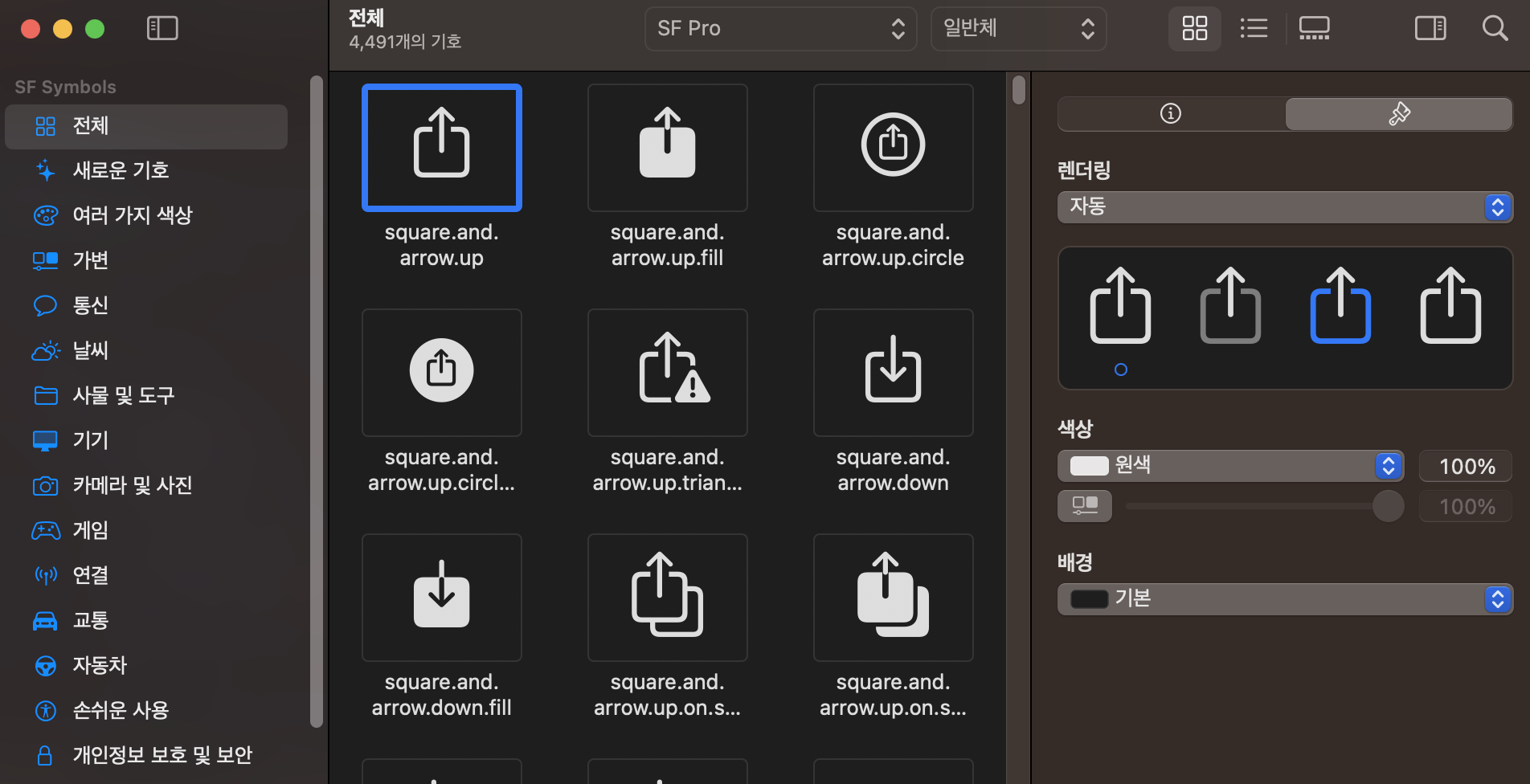
Symbol properties
Modifiers control properties such as size, weight, and color.
Image(systemName: "heart.fill")
	.font(.title) // Size the symbol with a text style
    .font(.system(size: 200)) // Size the symbol with a 200-point font
    .foregroundColor(.green) // Change the color to green
    .resizable() // Allow resizing
    .aspectRatio(contentMode: .fit) // Scale to fit the frame
    .scaledToFill() // Scale to fit the frame
    .frame(width: 200, height: 200) // Resize to 200 by 200
    .clipped() // Clip to the frame
Multicolor symbols
Supported symbols can use a multicolor rendering mode. Some layers have built-in colors, so the result depends on the symbol and rendering mode rather than a single foreground color.
Image(systemName: "person.fill.badge.plus")
	.font(.largeTitle)
	.symbolRenderingMode(.multicolor) // Use multicolor rendering