SwiftUI Image의 크기와 비율 조절하기
Asset과 SF Symbols 이미지를 불러오고 resizable, aspectRatio로 크기와 비율을 조절하는 방법을 살펴봅니다.

이미지를 화면에 올리는 일보다 원하는 영역 안에 어떤 비율로 보여줄지 정하는 일이 더 자주 고민된다. 원본 비율, 자르기, 마스크와 렌더링 색을 하나씩 바꿔 봤다.
Image 사이즈
이미지를 frame을 기준으로 사이즈를 조정할 수 있다.
Image("testImage")
	.resizable() // 사이즈 조정 가능
	.frame(width: 300, height: 250) // 이미지 뷰 frame 사이즈 조정
ContentMode Fill
원본 이미지 비율을 유지하면서 프레임에 사이즈에 맞게 이미지 사이즈를 조정할 수 있다. 이미지를 조정할 때 프레임 사이즈를 벗어날 수 잇다.
Image("testImage")
	.resizable()
    .aspectRatio(contentMode: .fill) // 프레임 사이즈에 맞게 이미지 사이즈 조정
    .scaledToFill() // 위와 동일 효과
    .frame(width: 300, height: 250)
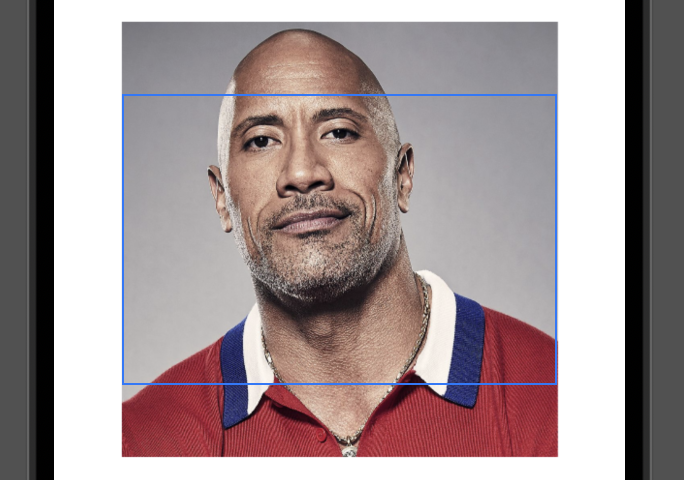
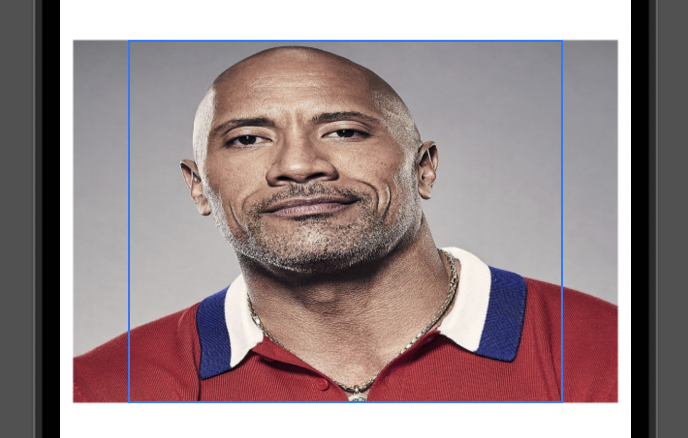
aspectRatio 파라미터를 추가해 임의의 이미지 비율을 지정할 수 있다. 이미지 비율은 가로/세로의 값을 입력한다.
Image("testImage")
	.resizable()
    .aspectRatio(1.5, contentMode: .fill) // 임의의 이미지 비율 지정
    .frame(width: 300, height: 250)
ContentMode Fit
원본 이미지 비율을 유지하면서 프레임에 사이즈에 맞게 이미지 사이즈를 조정할 수 있다. 이미지를 조정할 때 프레임 사이즈를 벗어나지 않는다.
Image("testImage")
	.resizable()
    .aspectRatio(contentMode: .fit) // 프레임 사이즈에 맞게 이미지 사이즈 조정
    .scaledToFit() // 위와 동일 효과
    .frame(width: 300, height: 250)
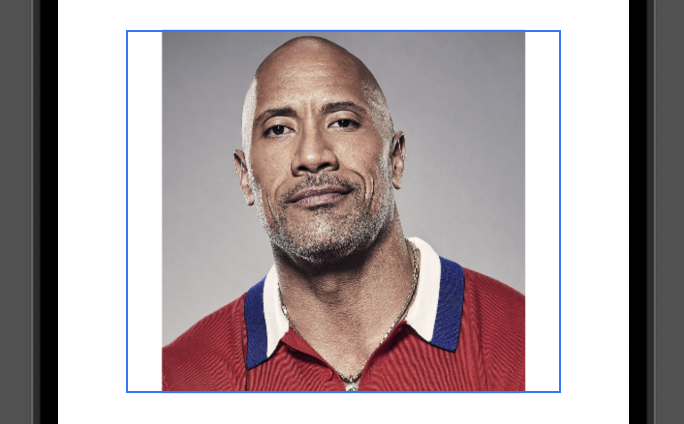
aspectRatio 파라미터를 추가해 임의의 이미지 비율을 지정할 수 있다. 이미지 비율은 가로/세로의 값을 입력한다.
Image("testImage")
	.resizable()
    .aspectRatio(1.5, contentMode: .fit) // 임의의 이미지 비율 지정
    .frame(width: 300, height: 250)
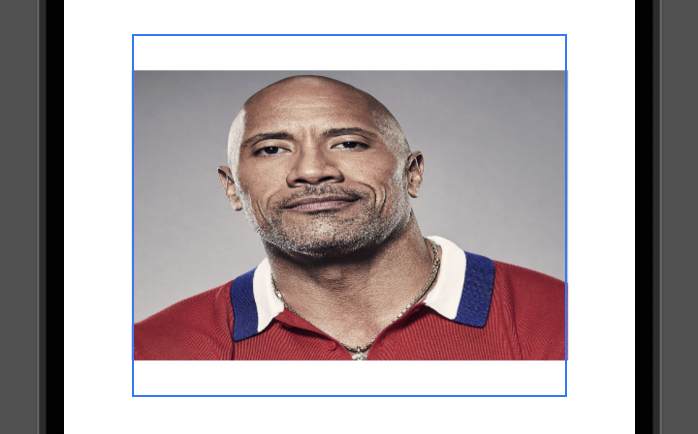
Image 클리핑 마스크
이미지를 원하는 모양으로 클리핑 마스크를 씌울 수 있다.
Image("testImage")
	.resizable()
    .aspectRatio(contentMode: .fill)
    .scaledToFill()
    .frame(width: 300, height: 250)
    .clipped() // 프레임을 초과한 부분 자르기
    .cornerRadius(24) // 프레임의 둥근 모서리 모양으로 초과한 부분 자르기
    .clipShape(Circle()) // Shape 모양으로 자르기
RenderingMode
이미지의 불투명 영역의 색상을 임의로 변경할 수 있다.
Image("apple")
	.renderingMode(.template) // 이미지의 렌더링 모드를 template 모드로 변경
	.resizable()
	.aspectRatio(contentMode: .fit)
	.frame(width: 300, height: 200)
	.foregroundColor(.green) // template 모드 이미지의 불투명 영역 색상을 변경
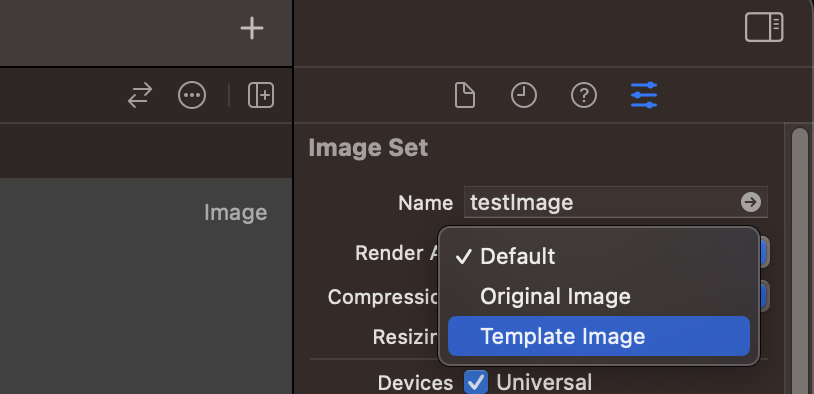
이미지 에셋의 Attributes inspector에서 이미지의 렌더링 모드를 사전에 설정할 수 있다. 렌더링 모드를 사전에 설정하면 .renderingMode(.template)을 입력하지 않아도 template 모드가 적용된다.